

A fun computer setup blends playful hardware accessories, creative desktop customization, retro browser games, and entertaining software tools to transform routine screen time into an engaging experience. Whether adding clicky mechanical keyboards, interactive desktop pets, or quirky USB gadgets, small tech upgrades bring daily joy and creativity to work or study.
Have you ever sat down at a plain gray desk, stared at a boring black monitor, and wished your workspace felt a little more alive? Creating a fun computer setup turns dull daily typing into an experience you genuinely look forward to every morning.
You do not need an expensive gaming rig or advanced coding skills to add personality to your screen and desk. Let us look at how playful accessories, clever browser toys, and quirky software bring joy to everyday tech.
Whether you want nostalgic retro games or colorful clicky keyboards, building a fun computer environment sparks creativity and reduces screen fatigue. You will find practical customization ideas and entertaining digital gems waiting right here.
Get ready to explore interactive desktop companions, quirky desk gadgets, and creative browser playgrounds engineered to make your fun computer the happiest spot in your home.
Why Personalizing Your Digital Workspace Matters

Turning Daily Screen Time Into Creative Energy
Most people spend hours every week answering emails, writing documents, or browsing the web on identical factory-default machines. Adding playful colors, responsive sounds, and visual surprises transforms your computer from a sterile office appliance into an inspiring personal studio.
Beating Desk Fatigue With Micro-Breaks
Staring at spreadsheets or dense articles for hours drains mental focus faster than most people realize. Having a silly desktop toy, a mini zen sand garden, or a quick two-minute browser puzzle gives your brain a refreshing reset without leaving your chair.
- Boosting daily mood through cheerful desktop wallpapers and custom cursor icons
- Creating tactile satisfaction with mechanical switches and smooth desk mats
- Making repetitive typing tasks feel faster and far more enjoyable
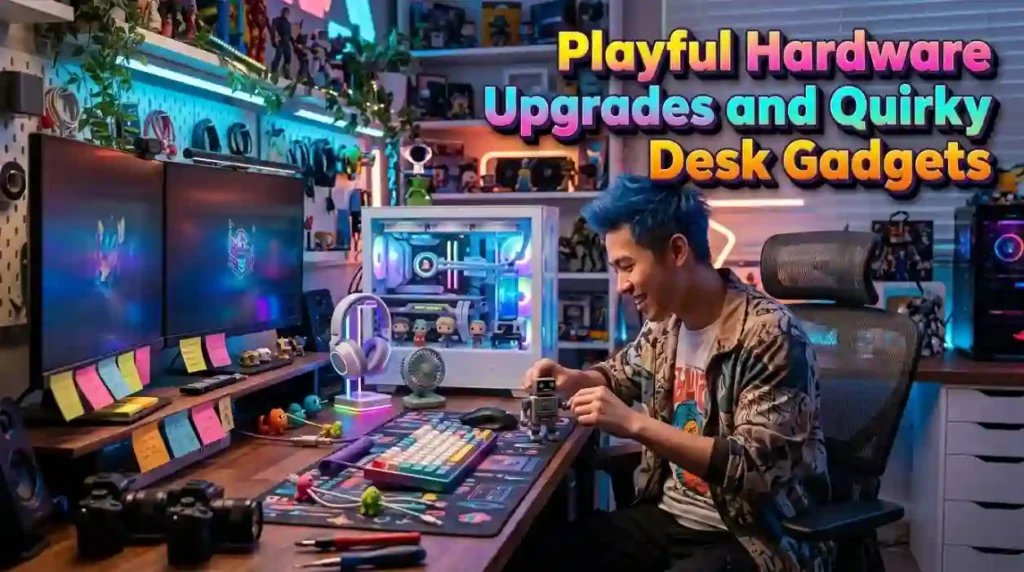
Playful Hardware Upgrades and Quirky Desk Gadgets
Mechanical Keyboards With Custom Keycaps
Swapping a flat, mushy office keyboard for a mechanical keyboard feels like upgrading from a bicycle to a sports car. You can snap on custom keycaps shaped like tiny cat paws, miniature snack boxes, or retro pastel typewriter keys that produce a deeply satisfying click with every keystroke.
Entertaining USB Gadgets and Mini Desk Toys
Your computer’s extra USB ports can power far more than dull flash drives and charging cables. Plugging in a miniature USB desk vacuum shaped like a ladybug, a glowing plasma ball, or a tiny beverage warmer adds instant charm right beside your mousepad.
- Retro pixel-art Bluetooth speakers that display animated faces and mini games
- Oversized plush “Enter” key pillows you can safely smash when frustrated
- Programmable macro pads with colorful rotary knobs for quick volume and shortcut control
Lighting Up Your Setup With Smart LED Strips
- Sticking bias LED light strips behind your monitor to reduce eye strain at night
- Syncing ambient desk lamps with music beats or on-screen movie colors
- Choosing warm sunset gradients for cozy evening writing or vibrant neon hues for gaming
Creative Desktop Customization and Software Gems

Nostalgic Desktop Pets and Screen Buddies
Remember those tiny animated characters from the early days of personal computers that walked across your taskbar and chased your mouse pointer? Modern desktop pets ranging from sleepy pixelated cats to mischievous geese hang out quietly on top of open windows and react when you click them.
Custom Cursors, Sound Effects, and Live Wallpapers
Replacing the standard white arrow cursor with a tiny glowing wand, a slice of pizza, or a retro spaceship brings a smile every time you click a link. Pairing custom cursors with gentle typewriter sound effects and animated live wallpapers makes navigating folders feel like playing a cozy video game.
- Download a trusted live wallpaper engine to display gentle rain scenes or floating space art
- Organize messy desktop icons onto illustrated shelf backgrounds so files look like books
- Assign cheerful chime sounds to notifications instead of jarring default system alerts
- Keep background animations lightweight so your computer stays fast and responsive
Keeping Customization Clean and Fast
- Avoid installing random browser toolbars or unverified executable files from shady sites
- Stick to reputable open-source customization tools or official app store extensions
- Close heavy animated backgrounds whenever running demanding video editing or gaming software
Entertaining Browser Games and Interactive Websites

Classic Retro Arcade Emulators in Your Browser
You do not need to download massive multi-gigabyte files to enjoy classic arcade thrills during a quick lunch break. Dozens of free, lightweight browser websites let you play nostalgic platformers, falling-block puzzles, and space shooters right inside a single browser tab.
Weird and Wonderful Interactive Web Playgrounds
Some of the most delightful corners of the internet are simple single-purpose websites built purely for human amusement. You can draw musical lines that turn into symphonies, stack virtual stones in calm ocean waves, or explore infinite zoomable artwork with a simple scroll of your mouse wheel.
- Virtual synthesizer and drum-machine websites that turn your keyboard into a recording studio
- Collaborative pixel-art canvases where thousands of people draw tiny pictures together
- Interactive geography and trivia guessing games that test your world knowledge in three minutes
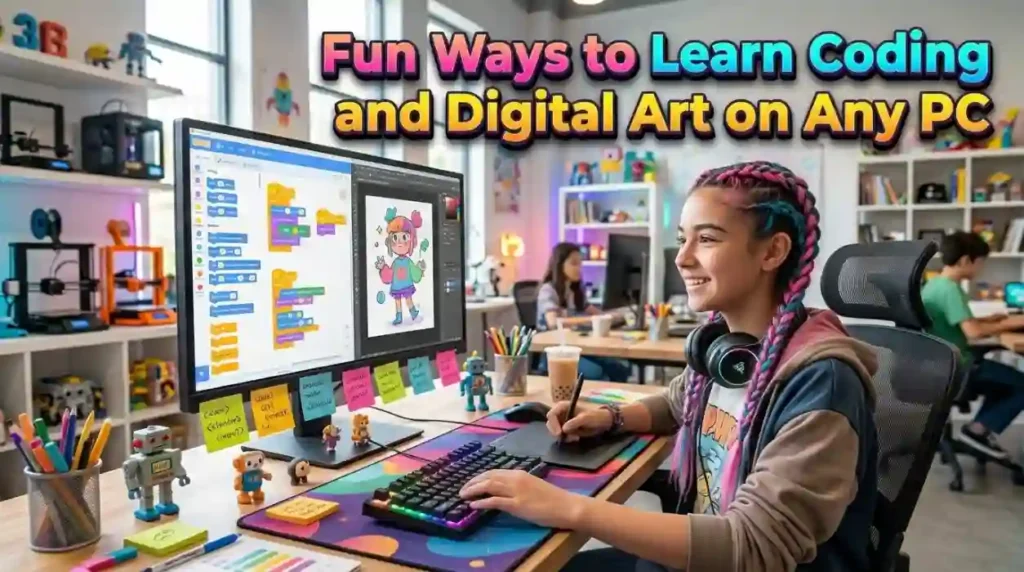
Fun Ways to Learn Coding and Digital Art on Any PC
Visual Block Coding and Creative Sandboxes
Learning how computers think becomes wildly entertaining when you use visual block-based platforms like Scratch. Beginners of any age can snap colorful logic blocks together to animate dancing characters, build custom maze games, and share playable creations with friends worldwide.
Free Pixel Art and Digital Music Makers
Even an older, budget-friendly laptop can run lightweight pixel art editors and browser-based music sequencers smoothly. Drawing tiny retro game sprites or looping lo-fi hip-hop beats turns passive screen scrolling into active, rewarding creative hobbies.
Practice Exercise
- What is the main appeal of replacing a standard office keyboard with a mechanical keyboard?
A. It makes your internet connection run ten times faster
B. It offers satisfying tactile keystrokes and lets you customize colors and novelty keycaps
C. It automatically writes all your school essays while you sleep
D. It weighs fifty pounds so nobody can ever move your desk - How do bias LED light strips placed behind a computer monitor improve your workspace?
A. They project movies onto your ceiling automatically
B. They add colorful ambiance while reducing eye strain in dimly lit rooms
C. They cool down your computer processor by fifty degrees
D. They charge your smartphone wirelessly from across the room - What are modern “desktop pets”?
A. Lightweight animated characters that walk across your screen and interact with your mouse cursor
B. Real hamsters living inside your computer tower
C. Heavy ceramic statues glued onto your monitor screen
D. Antivirus programs that bark loudly whenever you open a browser - Why are visual block-coding platforms like Scratch great for beginners?
A. They require memorizing thousands of lines of complex mathematical code
B. They let users snap colorful logic blocks together to build animations and mini-games easily
C. They only run on million-dollar supercomputers
D. They disable your keyboard so you can only use voice commands - What is a smart safety rule when downloading custom cursors, wallpapers, or desktop toys?
A. Click every flashing download banner you see on random pop-up sites
B. Stick to official app stores and trusted open-source tools to keep your PC safe and fast
C. Turn off your computer’s security protections permanently
D. Download fifty heavy animation programs at the same time
Answer Key:
1. B
2. B
3. A
4. B
5. B
FAQs
Will live wallpapers and desktop pets slow down my computer?
Lightweight desktop pets and static custom cursors use almost zero system memory and will not slow down modern computers. High-resolution animated video wallpapers can use extra graphics power, so pausing them automatically when running full-screen apps keeps performance completely smooth.
How can I make an older, slow laptop feel fun and useful again?
Installing a lightweight operating system or using cloud-based browser tools lets older laptops run retro games, pixel art editors, and music sequencers smoothly. Adding a colorful skin sticker to the lid and plugging in an external mechanical keyboard also refreshes the entire experience cheaply.
Are novelty keycaps compatible with every type of computer keyboard?
Most artisan and novelty keycaps are designed to fit cross-shaped mechanical switches, such as Cherry MX and compatible clones. Standard flat laptop keyboards and thin membrane office keyboards typically cannot accept replacement mechanical keycaps.
What are some free, creative websites to visit during a five-minute break?
Interactive websites like Chrome Music Lab, Patatap, and classic browser puzzle archives let you compose beats, trigger animated soundscapes, or solve quick logic riddles instantly. Because they run directly in your web browser, they require zero installation or account sign-ups.
How do I keep a fun desk setup from becoming too cluttered?
Follow a simple rule of keeping your central mousepad and typing zone clear while displaying three or four favorite mini gadgets along the upper monitor shelf. Using Velcro cable ties behind your desk hides messy wires so your colorful accessories shine cleanly.
Can ergonomic accessories still look stylish and playful?
Yes, ergonomic wrist rests, vertical mice, and adjustable monitor stands now come in pastel shades, natural woods, and playful cloud shapes. Supporting healthy wrist and neck posture ensures you stay comfortable while enjoying your creative workspace.
Conclusion
Transforming an ordinary desk into an inspiring, playful workspace proves that technology does not have to feel cold or repetitive. Whether you snap a few novelty keycaps onto a mechanical keyboard, adopt a tiny pixelated cat for your taskbar, or take five-minute breaks composing music in your browser, small creative touches bring genuine joy to daily screen time.
Balancing fun gadgets with clean cable organization and trusted software keeps your setup running smoothly while showcasing your personality. For more creative tech inspiration, desk upgrades, and digital discoveries, explore our complete collection of fun computer ideas today.
Pick one playful upgrade, like a custom cursor or a new desk mat, try it out today, and make every hour at your screen a little brighter!

Rose Amili is the writer behind LaughSphere.com, a website where learning meets curiosity and fun. She enjoys exploring fascinating facts, surprising stories, science, history, nature, weather, and many other interesting subjects. Her writing style is simple, friendly, and easy to understand, making information enjoyable for readers of all backgrounds.
Through LaughSphere.com, Rose Amili hopes to spark curiosity and encourage readers to discover something new every day. She believes even an ordinary topic can become interesting when it is shared from a fresh and engaging perspective. Her goal is to create useful, enjoyable content that readers can understand easily, remember, and share with others.

